Now booking new clients Lake Charles · Lafayette, LA · (337) 305-3703
Field operations platformTree service

A field operations app for Top Tier Tree

The estimate gets written on a phone at the property with the crew already picked. The customer signs online, and the work order, the schedule, the invoice and the books all come out of that same record.

Client
Top Tier Tree, Sulphur, Louisiana
Industry
Tree service
What it is
Field operations platform
Status
In daily use since June 2026
4 hrs to 20 minfrom estimate to invoice for each customer, by the owner's count
3,083records moved from the old invoicing app, none failed
95invoices synced to the books with nobody retyping them
Field operations platform: Tree service

Try similar software

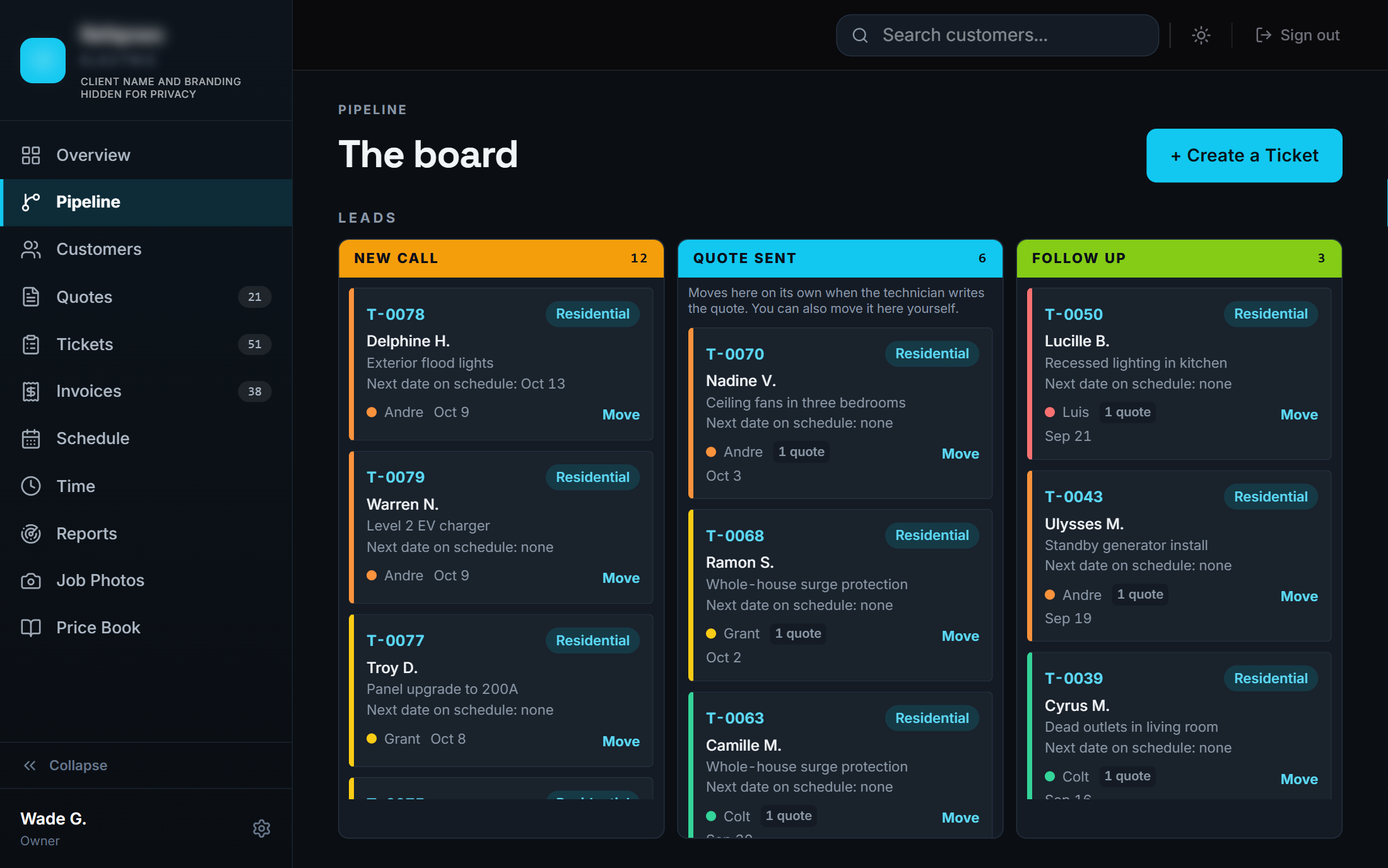
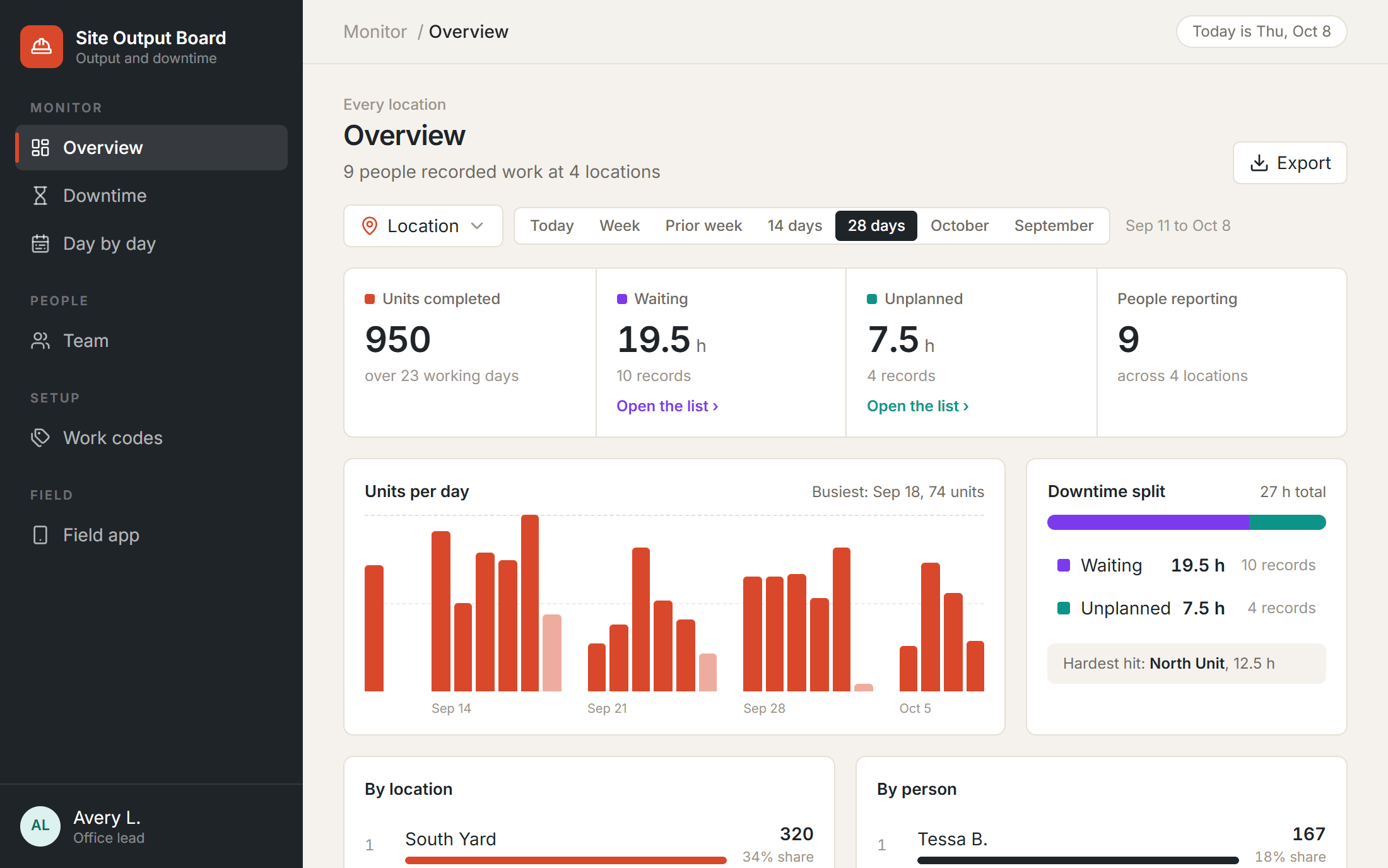
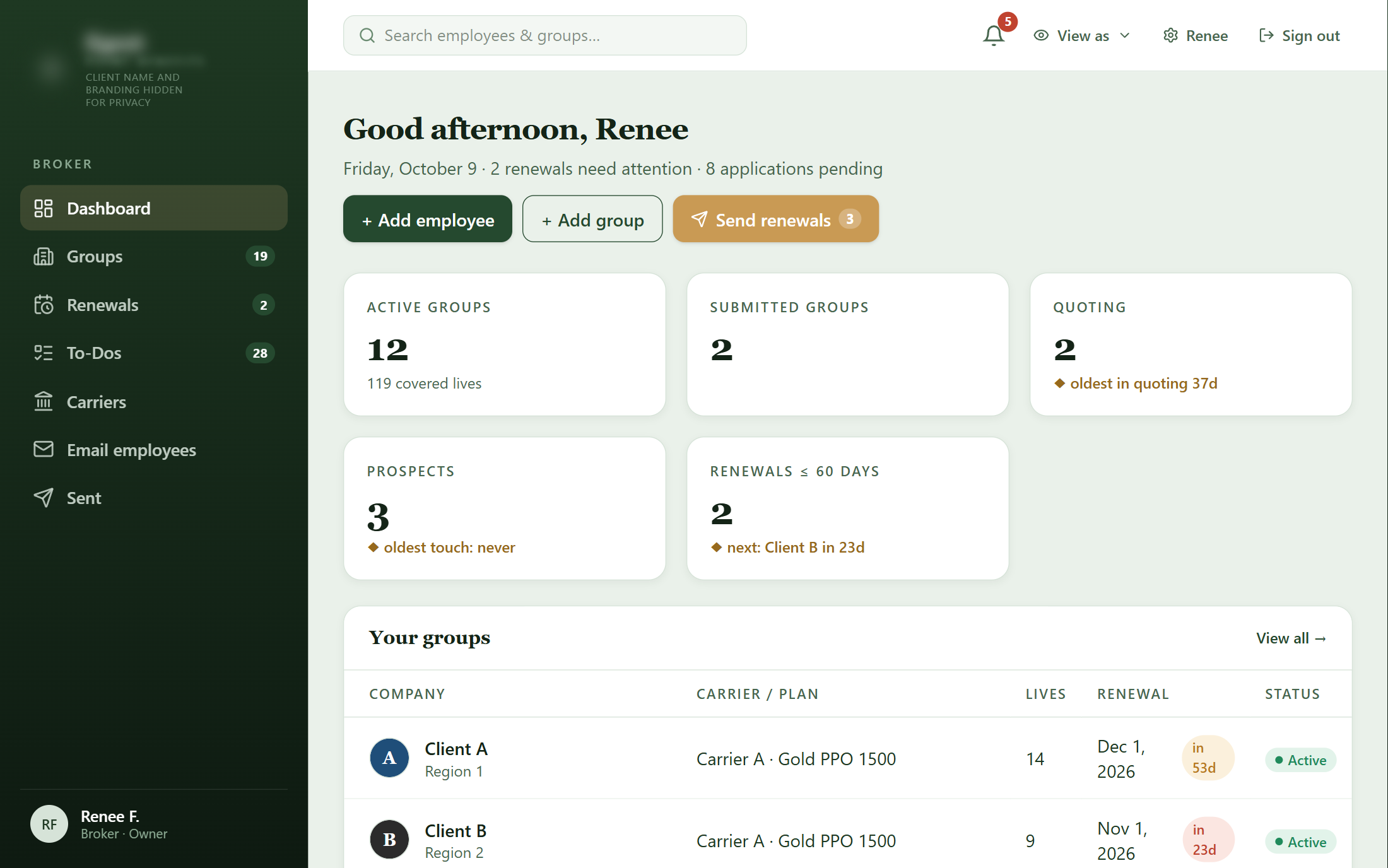
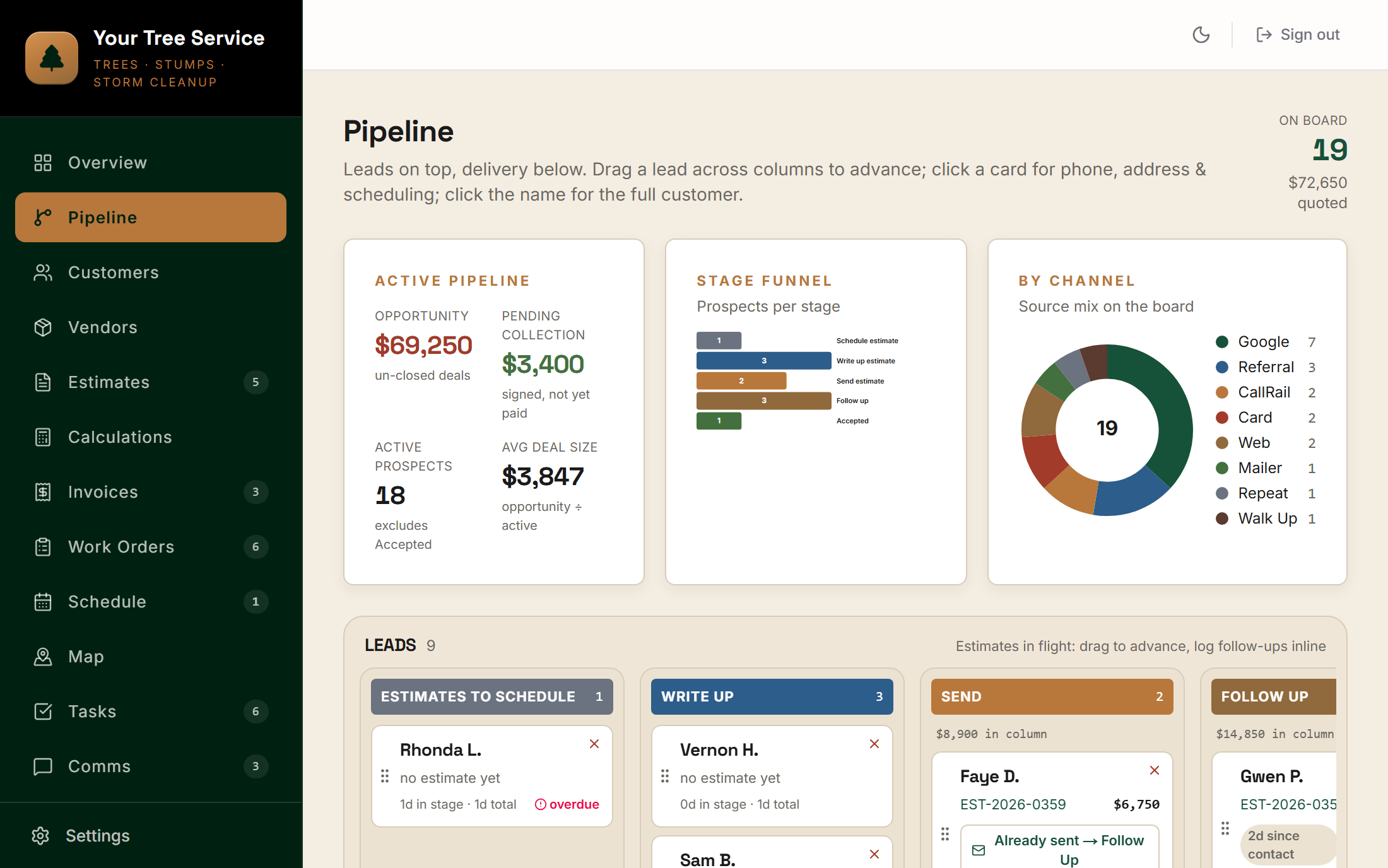
Software similar to the one we built for Top Tier Tree, not their exact software. Every customer, job and dollar in it is invented; none of it comes from Top Tier Tree's data. Every change you make saves only in your own browser.

Full screen ↗
EstimatesSchedulerPhoto markupInvoicing
BeforeSulphur, Louisiana

Four tools that didn't talk to each other.

The company ran on an invoicing app, a card processor, a call tracker and a spreadsheet. When a customer signed an estimate, the office got a notification and retyped the job into the spreadsheet.

There was no shared schedule. Everyone kept their own, and the team went over the day together on a TV each morning. A work order was a copy of the estimate with the prices zeroed out, so the crew lead called back for missing details once or twice a week.

“We have to go in here, manually plug in their names... basically our only dashboard to know what jobs we have. There's no reason these two things can't talk to each other.”

T.P., Owner, Top Tier Tree
What we built

The owner stops being the router. Nothing gets retyped between the truck and the books.

Estimates written at the property

Line items with a separate crew task for each, photos with markup, a satellite drawing, hazards and crew-only notes, all on a phone.

The crew is picked on the estimate

The foreman and crew are chosen while estimating, so a signed job arrives with its crew already attached.

Signed means sold

The customer signs and pays the deposit online, and the work order and the deposit invoice build themselves.

One schedule everyone shares

Jobs sit on one calendar colored by service and move with a drag when it rains. Each foreman gets the day's jobs at 5:45 a.m.

The crew runs it from a phone

The work order carries the notes, hazards, tasks, drawing and photos, and the job can't close until every task is checked or explained.

Invoices and books, handled

A draft invoice is waiting when the job is done, card payments record themselves, and invoices and payments sync to the books every morning.

“We do twice, three times as many estimates as we do jobs. So if there's any place to take out the friction, it would be there.”
T.P., Owner, Top Tier Tree

This is what we built for Top Tier Tree. The demo above is similar software on invented data, not their system.

Step by step

Who does each step, before and now.

StepBeforeNow
Step 1The call
Before
  • OwnerAnswers, keeps notes, and tracks the lead in a spreadsheet and on paper
Now
  • OfficeEnters the customer and books the estimate visit
  • AutomaticRecords every call, summarizes it with action items and matches it to the customer
  • AutomaticPosts new leads and calls worth a look to the team chat
Step 2The estimate
Before
  • EstimatorWrites it in the invoicing app, with crew notes in a shorthand the customer could see
Now
  • EstimatorWrites it on a phone at the property and picks the foreman and crew
  • AutomaticKeeps crew-only notes, marked-up photos and the hazard list on the same estimate, saving as it goes
Step 3Sending it
Before
  • OfficeEmails it from the invoicing app and tracks follow-ups by hand
Now
  • EstimatorSends it by email or text
  • AutomaticSends it from the company's own address and tracks when it's opened
  • AutomaticShows how long each estimate has waited for an answer
Step 4The yes
Before
  • OfficeGets a notification, then retypes the job into the spreadsheet
Now
  • CustomerSigns on a phone and pays the deposit
  • AutomaticBuilds the work order with the notes, photos, hazards and crew attached
  • AutomaticRaises the deposit invoice and tells the team it's sold
Step 5The schedule
Before
  • EveryoneKeeps their own calendar, then goes over the day on a TV each morning
Now
  • OfficePicks the day
  • AutomaticPuts the job on the calendar with its crew and its length from the estimate
  • AutomaticSends each foreman the day's jobs at 5:45 every morning
Step 6The job
Before
  • OfficeCopies the estimate with the prices zeroed out
  • Crew leadCalls back for missing details
Now
  • CrewRuns the job from the work order on a phone
  • AutomaticShows the notes, hazards, tasks, drawing and photos, and asks for the safety form to start
  • AutomaticWon't close the job until every task is checked or explained
Step 7The invoice
Before
  • OfficeConverts the estimate in the invoicing app and sends it
Now
  • AutomaticDrafts the invoice the moment the job is done
  • OfficeReviews it and sends it with a pay button
Step 8The books
Before
  • OwnerMarks it paid in the spreadsheet
  • BookkeeperEnters and codes every invoice by hand
Now
  • AutomaticRecords card payments with the fee split out
  • AutomaticSyncs invoices and payments to the books at 5 every morning
  • OfficeRecords cash and check payments

The software does part of the work at 8 of 8 steps. A person still reviews every estimate and invoice before it reaches a customer.

Results

Off the old app in July, and the books keep themselves.

By the owner's own count, the paperwork from estimate to invoice went from about four hours per customer to about 20 minutes.

The team ran both systems side by side for about six weeks, then left the old invoicing app behind after July 24. All 3,083 records came across with none failing: 1,214 invoiced jobs and 1,869 open estimates, along with 1,915 customers and 1,875 photos.

The books went live on July 28. Since then every sent and paid invoice has reached the accounting software on its own, 95 of them by early October. Both owners, the estimator and the foreman use it every day.

Built with
Is this you?

If you're the one every job has to go through.

We'll build the app your crews and your office both run on, so the estimate, the schedule, the invoice and the books stay one record.

More builds

Other systems we've built.

Want one of these for your business?

Start with an AI audit. We'll map which system to build first.